Wireless Freedom: How to Get the Most Out of Your Home Wi‑Fi

Wireless Freedom: How to Get the Most Out of Your Home Wi‑Fi
A strong and reliable Wi‑Fi connection has become as essential as electricity and running water in most American homes. We stream movies, work remotely, play online games, and control everything from lights to thermostats through the internet. But even the fastest internet plan can feel sluggish if your wireless signal isn’t performing well. Here’s a practical guide to getting the most out of your home Wi‑Fi—no tech degree required.
Start with the Right Router Placement
Where you place your router has a huge impact on how well your Wi‑Fi covers your home. Many people hide it behind the TV or tuck it into a cabinet, but that can seriously weaken the signal.
- Place the router centrally in your home, ideally high up and in the open—not on the floor or behind furniture.
- Avoid metal and concrete walls, which can block the signal.
- Keep it away from electronics like microwaves, cordless phones, and Bluetooth speakers that can cause interference.
If you live in a multi‑story house, try placing the router on the middle floor so the signal can reach both upstairs and downstairs more evenly.
Upgrade Your Equipment—It Matters
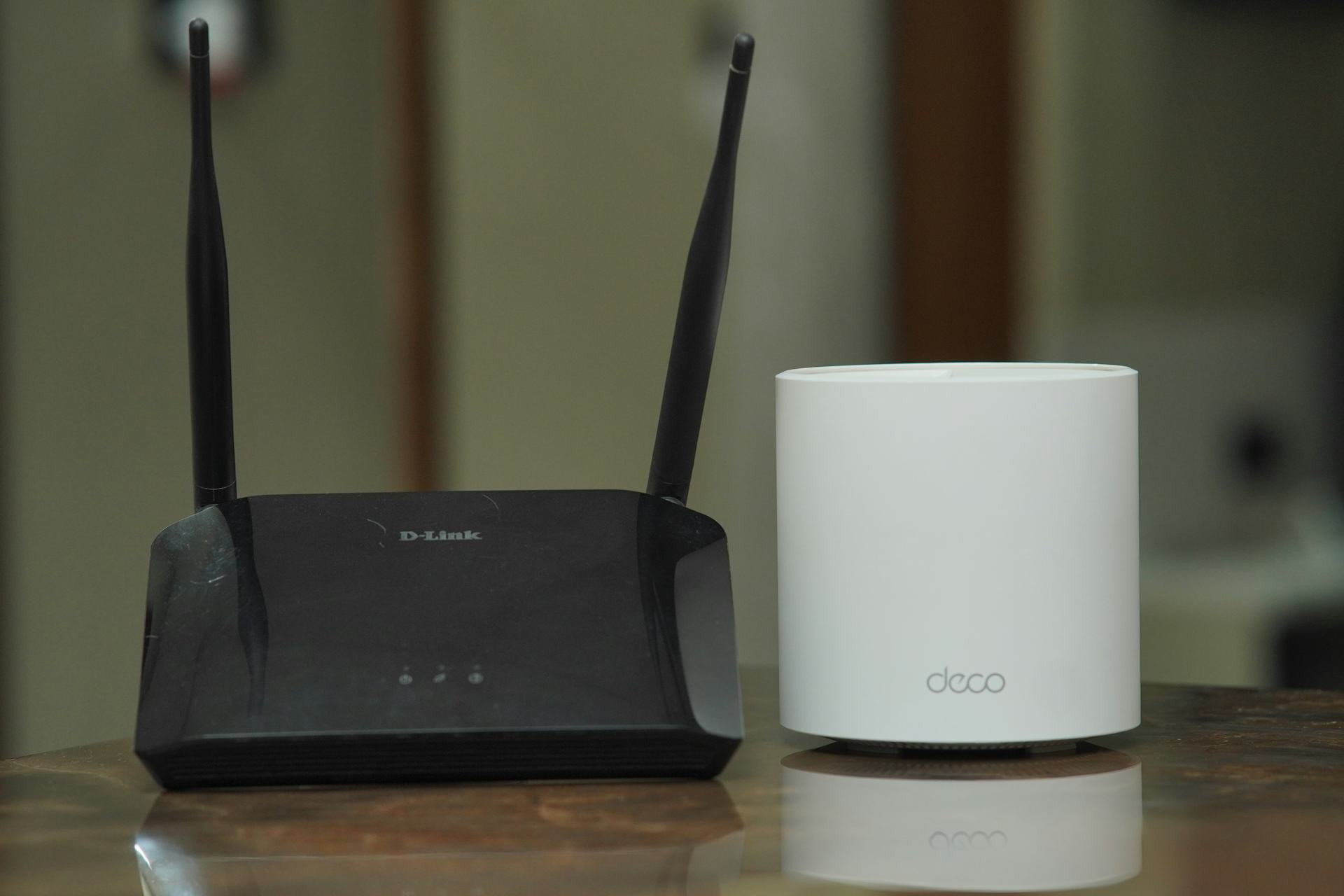
Technology moves fast, and a router from 2015 probably can’t keep up with today’s demands. Newer models support faster standards like Wi‑Fi 6 and 6E, which offer better speed, range, and stability—especially when multiple devices are connected at once.
Check with your internet service provider (ISP); many now offer upgraded routers or gateways as part of your plan. It’s often an easy and affordable way to boost your connection.
Læs også:
Use a Mesh Network for Larger Homes
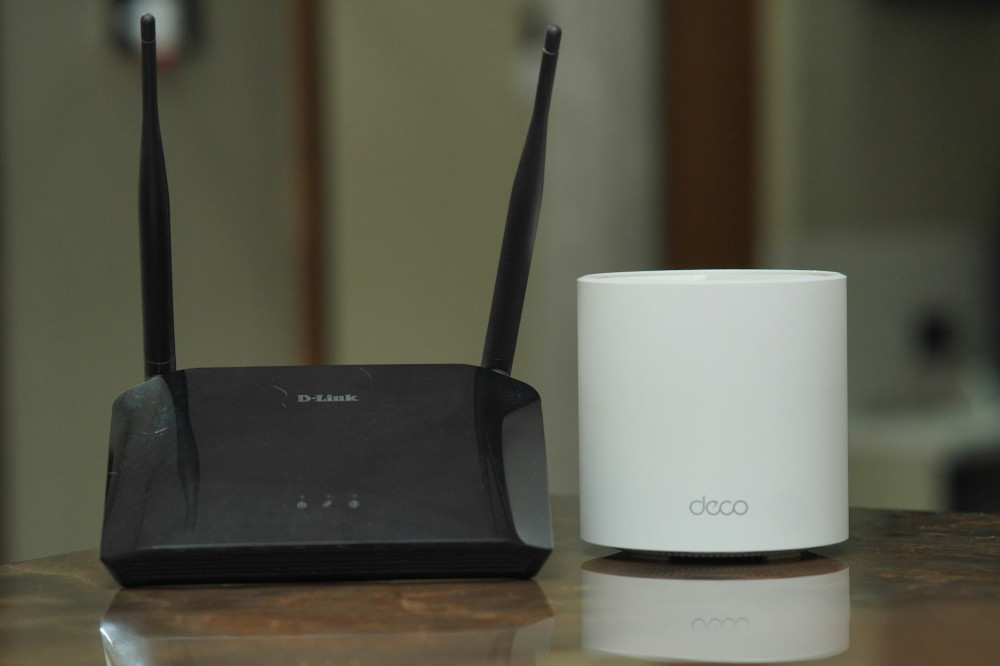
If you have dead zones where the signal drops out, a mesh network might be the answer. It uses several small devices that work together to spread Wi‑Fi evenly throughout your home. Unlike traditional range extenders, mesh systems create one seamless network, so you can move around without losing your connection.
Mesh systems are especially useful for larger homes, houses with thick walls, or multi‑level layouts.
Test Your Speed—and Know What It Means
Before making changes, it’s smart to test your internet speed. Use a reliable speed test and compare the results to what your plan promises. Keep in mind that Wi‑Fi speeds are usually lower than wired speeds, but the difference shouldn’t be dramatic.
If your speeds are consistently lower than expected, possible causes include:
- Outdated equipment
- Interference from neighboring networks
- Network congestion when many people are online at once
You can try changing the Wi‑Fi channel in your router’s settings or contact your ISP for assistance.
Keep Your Network Secure
A fast Wi‑Fi connection isn’t worth much if it’s not secure. Protect your network by following these steps:
- Change the default password on your router.
- Use WPA3 encryption if your router supports it.
- Update your router’s firmware regularly to patch security vulnerabilities.
- Set up a guest network for visitors so they don’t have access to your personal devices.
A secure network helps protect your data and your smart home devices from unwanted access.
Give Your Devices the Best Conditions
Even with a strong signal, some devices may not take full advantage of your Wi‑Fi. Make sure your computers, phones, and tablets are updated and support the latest Wi‑Fi standards.
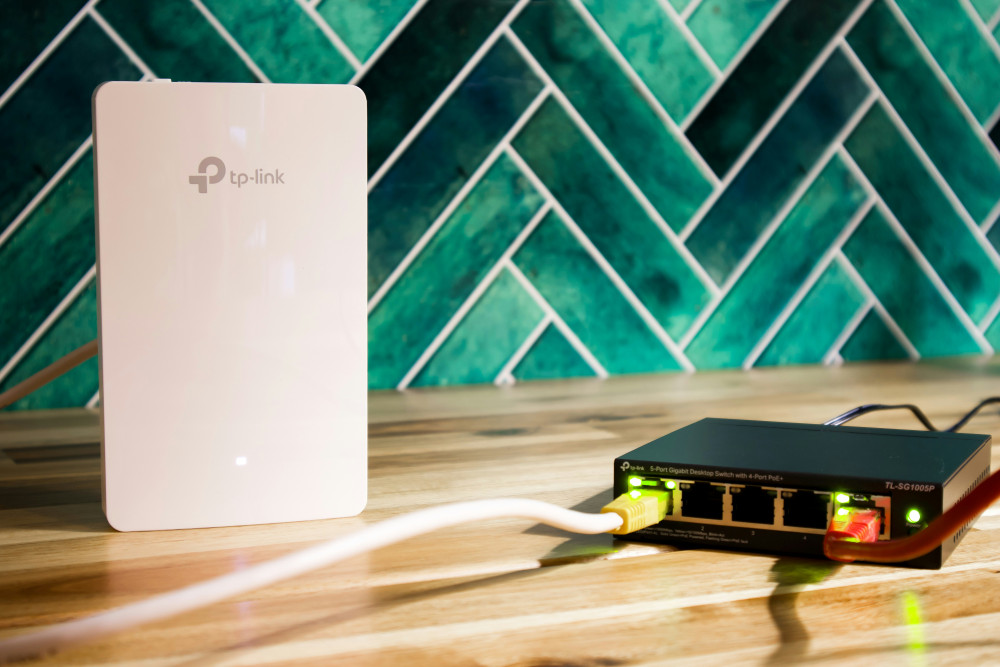
For stationary devices like desktop PCs, gaming consoles, or smart TVs, consider using an Ethernet cable instead of Wi‑Fi. It reduces wireless traffic and ensures maximum stability for the devices that need it most.
When All Else Fails
If you’re still having trouble, try resetting your router and setting it up again from scratch. Many ISPs also offer technical support or mobile apps that can automatically optimize your Wi‑Fi signal.
In some cases, upgrading your internet plan may be necessary—especially if multiple people in your household are streaming, gaming, and working online at the same time. A faster connection can be a worthwhile investment in both comfort and productivity.
Wireless Freedom Takes a Little Care
A great Wi‑Fi network isn’t just about speed—it’s about stability, coverage, and security. With a few simple adjustments—like moving your router, updating your equipment, and securing your network—you can dramatically improve your online experience.
When your Wi‑Fi just works, you don’t even notice it. You can work, stream, and stay connected—completely free from wires and worries. That’s true wireless freedom.
Læs også: