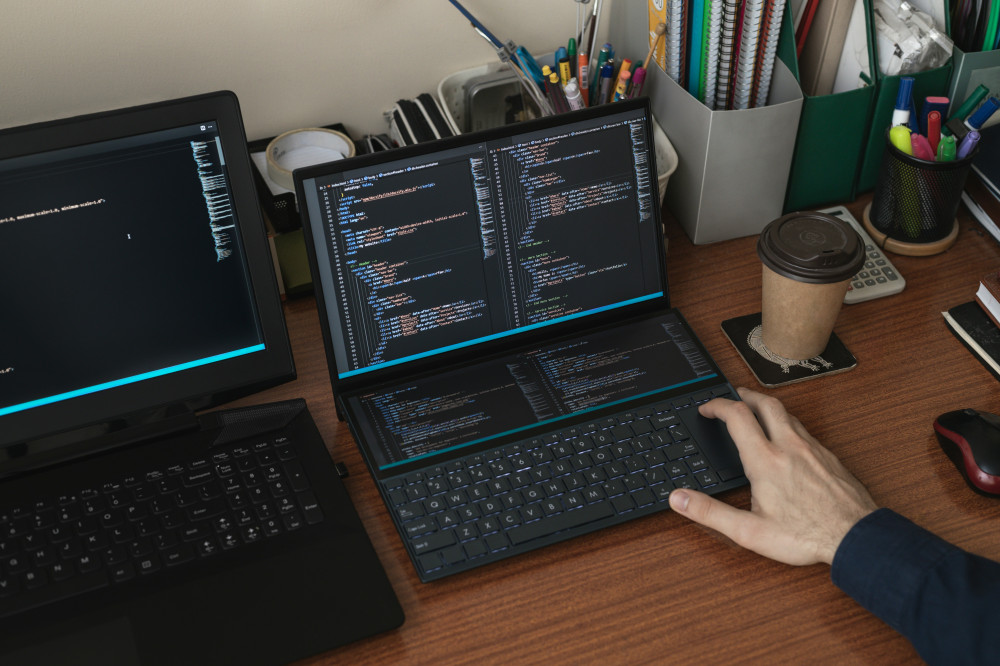
Getting Started with Programming: A Beginner’s Guide to Understanding and Taking the First Steps

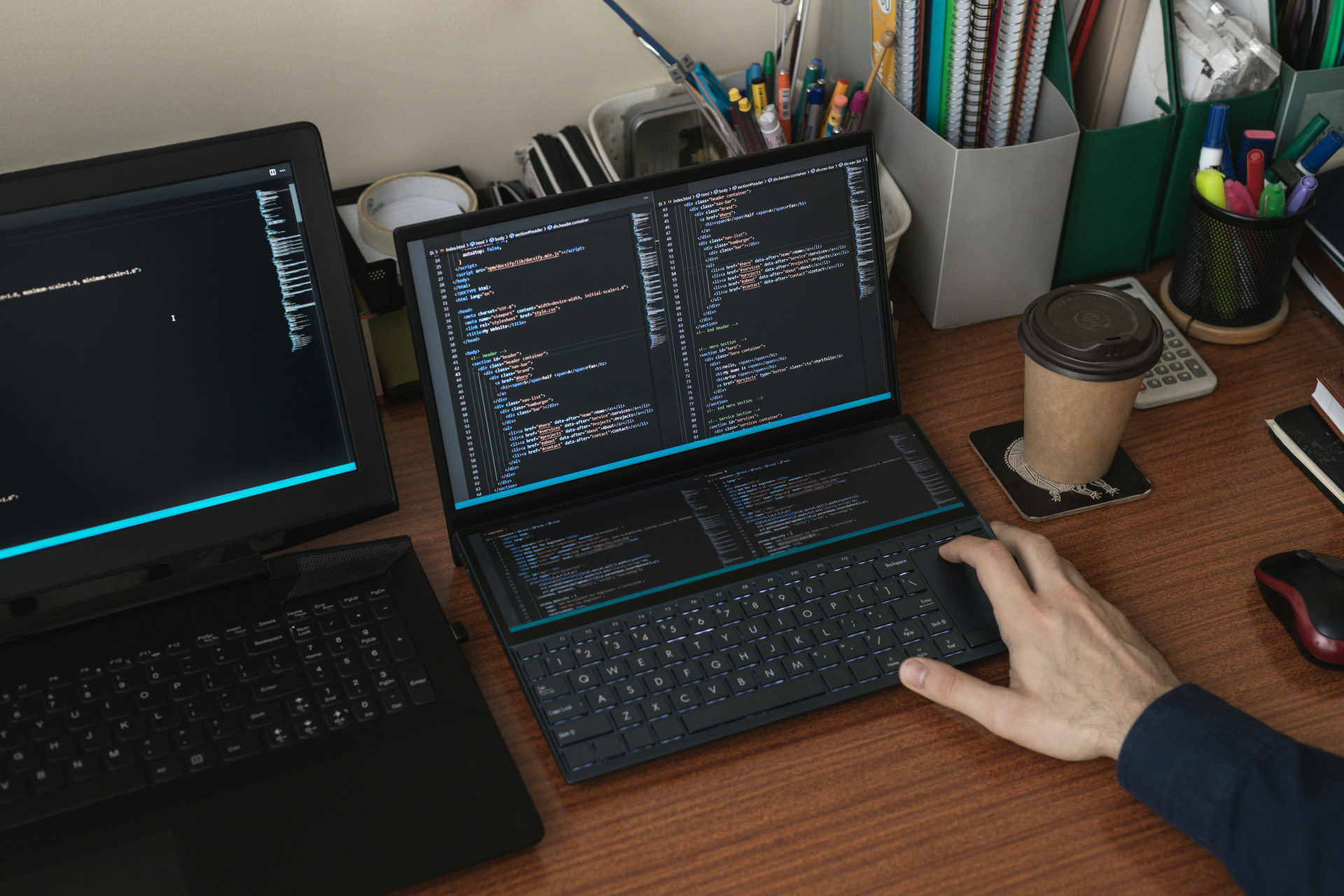
Getting Started with Programming: A Beginner’s Guide to Understanding and Taking the First Steps
Learning to program can seem intimidating at first, but at its core, it’s about learning a new language — one that allows you to tell computers what to do. Whether you dream of building apps, designing websites, analyzing data, or simply understanding the digital world better, programming is a skill that opens countless doors. This guide will help you take your first steps in a clear and motivating way.
What Is Programming, Really?
Programming is the process of writing instructions that a computer can understand and execute. These instructions are written in a programming language — such as Python, JavaScript, or C#. Each language has its strengths and typical uses, but the basic idea is the same: you describe, step by step, what you want the computer to do.
Think of it like writing a recipe. If you want the computer to bake a cake, you have to tell it exactly how — in what order, with which ingredients, and under what conditions. The more precise your instructions, the better the result.
Choose a Language That Fits Your Goals
There are many programming languages, and choosing where to start can be overwhelming. Here are a few great options for beginners:
- Python – Known for its simple syntax and versatility. It’s used for everything from data analysis to web development and artificial intelligence.
- JavaScript – The most common language on the web. If you want to build websites or interactive web apps, this is a great choice.
- Scratch – A visual language designed for kids and beginners, where you create programs by dragging and dropping blocks.
- C# or Java – Solid choices if you’re interested in game development or large-scale software projects.
The most important thing isn’t which language you choose, but that you start. Once you understand the logic behind programming, learning new languages becomes much easier.
Get the Right Tools
To write code, you’ll need a place to do it — a development environment. Many beginners start with free and user-friendly tools such as:
- Visual Studio Code – A popular, flexible editor that supports many languages.
- Replit or CodePen – Online platforms where you can write and run code directly in your browser.
- Thonny – A simple environment that’s perfect for Python beginners.
Once you’ve set up your environment, start experimenting. Try small programs — for example, one that prints a message on the screen or asks the user for their name. It may seem simple, but this is how you start thinking like a programmer.
Learn to Think Like a Programmer
Programming isn’t just about writing code — it’s about solving problems. A big part of learning is developing a logical and structured way of thinking. When you encounter an error (and you will!), try to understand why it happens instead of just copying a solution from the internet.
A helpful strategy is to break problems into smaller parts. For example, if you want to create a program that calculates the average of several numbers, start by figuring out how to get the user to input the numbers. Then learn how to store them, and finally how to calculate the average. Small steps lead to big progress.
Use Free Resources and Join Communities
There are countless free resources to help you get started:
- Codecademy, freeCodeCamp, and Khan Academy offer interactive courses where you learn by doing.
- YouTube has thousands of tutorials covering everything from basic concepts to full projects.
- Stack Overflow and Reddit have active communities where you can ask questions and get help from experienced developers.
It can also be motivating to find a friend or coworker who wants to learn with you. Sharing experiences and challenges makes the process more fun — and you’ll learn faster when you explain things to others.
Build Small Projects — and Grow from There
The best way to learn is by creating something. Start with small projects that interest you:
- A simple calculator.
- A personal website with your own design.
- A game like “guess the number” or “rock, paper, scissors.”
- A program that helps you with a daily task.
Once you finish a project, try improving it. Add new features, refine the design, or find a smarter way to solve the problem. That’s how you grow from a beginner into a confident programmer.
Læs også:

Stay Motivated — and Be Patient
Everyone who learns to program experiences frustration. Your code won’t work, error messages won’t make sense, and you’ll feel stuck. That’s completely normal. Even professional developers spend a lot of time debugging and fixing mistakes.
The key is to stay curious and enjoy the learning process. Mistakes aren’t failures — they’re part of the journey. Every time you solve a problem, you get a little better, and soon you’ll realize you can create things you never thought possible.
A Journey That Never Ends
Learning to program isn’t a one-time task — it’s an ongoing journey. Technologies evolve, new languages appear, and there’s always something new to explore. But that’s what makes programming so exciting: it’s a world where creativity and logic meet, and where you can build something that truly makes a difference.
So take the first step today. Install a tool, write your first line of code, and experience the thrill of making a computer do exactly what you tell it to. It’s the beginning of a rewarding and inspiring journey.
Læs også: